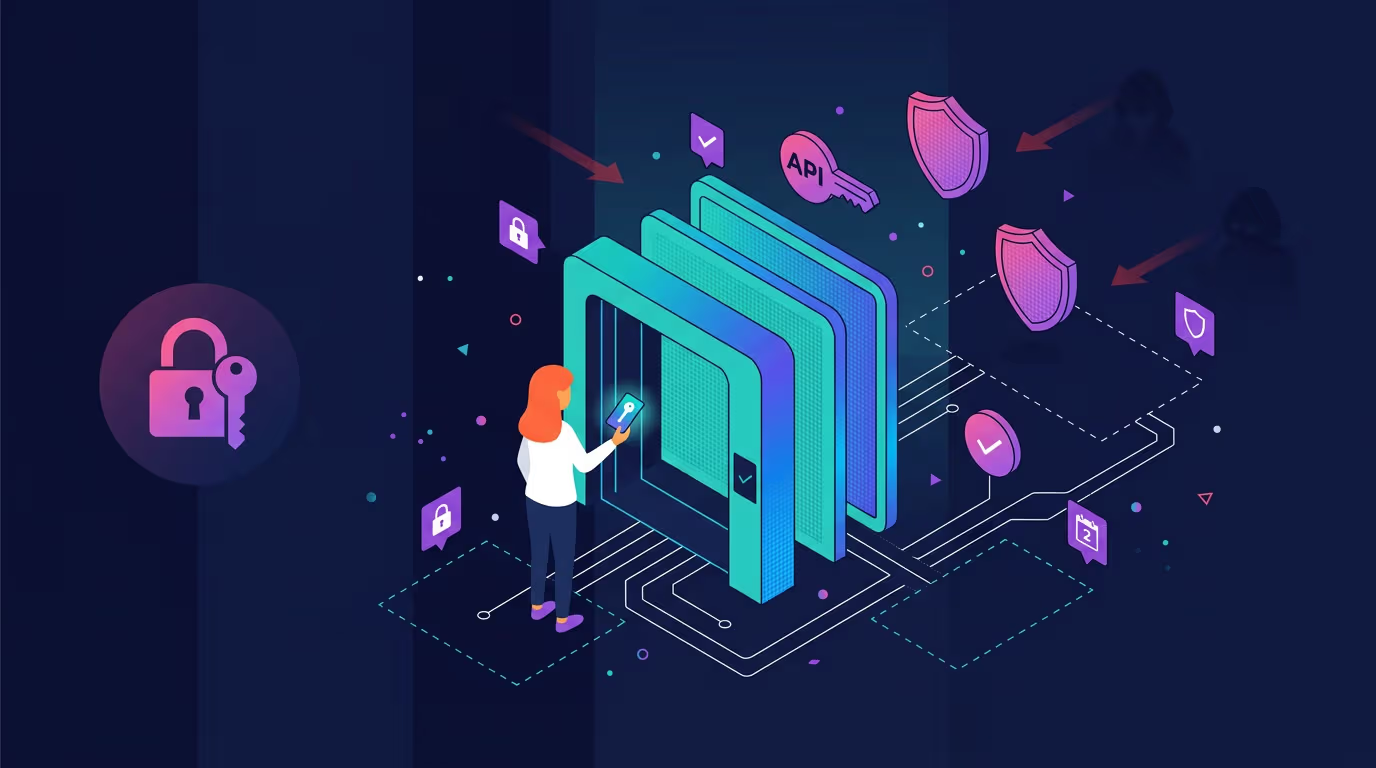
Connect a bot with a read-and-trade-only key that has withdrawals disabled. That toggle limits what a leaked key can do - a risk-reduction measure, not a guarantee your funds are safe. A leaked key with withdrawals off can move your positions but can't route your balance off the exchange, and that's the difference between a contained incident and a much worse one.
The one rule that survives a leaked key: never enable withdrawals on a bot key
A bot needs to place and cancel orders. It does not need to send coins off the exchange. So the withdrawal permission on a bot key is pure downside. All attack surface, zero function.
We won't pretend a leak is unthinkable. Assume it happens. Withdrawals off doesn't mean you're safe - it means the attacker can't walk away with your coins directly. They can still force liquidations on leveraged positions, churn your account into fee losses, or dump you into terrible fills on illiquid pairs. It's containment, not immunity, which is why permission scoping and monitoring both matter.
Blofin frames withdrawal permission as a primary attacker target for exactly this reason. Bitsgap puts it more bluntly: "The danger is never the bot placing trades - it's a leaked or over-permissioned key."
A bot needs permission to trade, not to withdraw. Disabling the withdrawal toggle limits what a leaked key can do - it does not eliminate the damage.
Can you connect a bot without giving it withdrawal access? Yes. On most major exchanges it's the default recommended setup, with separate toggles for reading, trading, and withdrawals, and the withdrawal option typically unchecked unless you deliberately turn it on. Confirm the exact labels against your exchange's current docs, since wording shifts. The pattern holds across them.
Disabling withdrawals shrinks the blast radius of a leak. It does not make a key harmless.
The permission risk hierarchy: read-only < trading < withdrawal
Three tiers, ranked by how much a stolen key can hurt you. Read-only lets a bot view balances and prices without changing anything. Trading lets it place and cancel orders. Withdrawal lets it move funds out. Each step up increases what a stolen key can do, according to exchange security guidance.
What's the difference between a read-only key and a trading key? A read-only key is a window. It looks, it can't touch. Streamline describes it as access that "only lets a bot view information without making changes." A trading key acts. That distinction is a central part of the security decision.
Now right-size it to the job:
- Tax or portfolio tracker: read-only. It reads your history and never needs to trade.
- Trading bot: read + trade, withdrawal off. It needs to act on the market, nothing more.
- Arbitrage bot: depends on the design. Single-exchange arbitrage or market-making bots need read + trade only. Cross-exchange arbitrage that rebalances capital between venues is a different case - that may require transfer or withdrawal permissions, which is exactly why cross-exchange arb keys need extra scrutiny (sub-account isolation, capital caps, or a broker-level solution) rather than a blanket withdrawal-off rule.
Notice what's missing from most rows. Withdrawal. Streamline's least-privilege principle is the spine here - "only grant the absolute minimum permissions needed for the bot to function." People click every box to avoid a "permission denied" error later, and that convenience becomes the weak point.
Match the key to the job: a tracker doesn't need trade access, and a trading bot doesn't need withdrawal access. Extra permissions add attack surface without adding function.
Where you store the secret matters more than how strong it is
The secret is shown once, at creation, and then never again. Crypto.com confirms it's revealed only once and must be treated as strictly confidential. Think of it as a password that skips your login screen entirely. Lose it? You don't recover it. You delete the key and generate a new one.
So the real question isn't how complex the secret is. It's where it lives. From simplest to most robust: an environment variable keeps the secret out of your code and in the machine's runtime. An encrypted config file adds a lock on disk. A dedicated secrets manager stores it in a vault your bot requests at runtime and never writes to plaintext. None of the ranking pages walk through this. They just say "keep it safe."
The dangerous option is hardcoding the secret directly into your bot's source. Coinbureau is direct about it: do not hardcode API keys into bot code. Public repositories get scraped continuously by automated tools hunting for exactly this.
Hardcoded secrets pushed to public repos get scraped and tried within minutes by automated tools - treat it like taping your house key to the front door.
Map the storage choice to the attack. A hardcoded key pushed to a public GitHub repo can be scraped and tried quickly by automated scanning tools. Malware reading a plaintext config lifts the secret straight off disk. A phishing page harvests it the moment you paste it somewhere you shouldn't. Every one of those is a storage failure, not a key-strength failure. The same hygiene applies whether you're wiring up an exchange key or working with the Cryptohopper API to build your own tools.
IP whitelisting for real setups (including your home dynamic IP)
IP whitelisting means the exchange only accepts requests carrying your key from an address you've pre-approved. Even a leaked key becomes far harder to use from anywhere else. Blofin notes it sharply reduces unauthorized-access risk even if the key leaks.
IP whitelisting makes a stolen key work only from pre-approved addresses - a sharp reduction in unauthorized-access risk, though not an elimination of it.
Should you turn it on if your bot runs on your home computer with a changing IP? Here's the reality the ranking pages hand-wave. A VPS - a rented server - typically provides a static IP that whitelists cleanly and stays put. A home broadband connection often rotates its address. Every rotation breaks the whitelist, and your bot goes dark until you update it.
Practical routes for home users: ask your ISP about a static IP, run the bot on a VPS so the whitelist holds, or skip whitelisting and lean harder on tight permissions plus active monitoring instead. Whitelisting adds friction. No denying it. But it's one of the more cost-effective controls that keeps working after a key has already leaked.
Rotation: treat keys like they expire, even when they don't
Rotation is simple. You periodically delete an old key, generate a fresh one, and update wherever your bot reads it. Exchanges won't force this on you. That's precisely why it gets skipped.
Do you need to rotate old keys? The case for it: a key can leak silently - no alert, no obvious sign - and stay useful indefinitely. Rotating on a schedule limits how long an unnoticed leak stays useful, and it forces you to audit which keys still exist and why. We won't hand you a magic interval, because no reliable source supports a specific number. Rotate on a schedule you'll actually keep, not one you'll abandon by month two.
Rotating keys on a schedule limits how long a leak you never noticed can stay useful - not because it guarantees you'll catch the leak, but because it caps the window.
Some triggers demand immediate rotation regardless of schedule. After any suspected exposure, after removing a third-party integration, or after using a shared or public machine. When in doubt, rotate. Deleting and regenerating a key costs you two minutes.
"This is overkill for a small account"
The objection is common. A few hundred dollars in the account, so why bother - who'd target me? Nobody's targeting you specifically. That's the point you're missing.
Automated key-scraping doesn't check your balance before trying a stolen key. It tries everything it finds. API key attacks against exchange users are a recurring, well-documented category of loss, not isolated incidents - CoinLedger, for instance, has reported large aggregate losses tied to crypto exchange API attacks (a third-party figure worth verifying against primary reporting). The scanners behind losses like that don't triage by account size.
Attackers don't check your balance before trying a leaked key. Automated scanners try everything, so "too small to hack" is not a security setting.
The controls take minutes to set up and require little ongoing effort. That setup is fixed whether you hold $200 or $200,000. And note the custodial nuance Cryptorank raises: even on an exchange where you don't self-custody, an API key still grants access to your account. The custody model doesn't remove that exposure. The checklist isn't about your account being a target. It's about your key being on a list.
If you think your key is compromised: the runbook
What happens if someone gets your key and secret? With withdrawals off, they can trade your balance around - force liquidations on leveraged positions, dump into illiquid pairs, generate losses through churn and fees - but they can't withdraw. That's contained damage, not immunity. What you do in the first minute decides how much damage.
Revoke first, investigate second. Killing the key's access before anything else is the strongest single move when you suspect a leak.
Basic guidance often stops at "delete the key." That's step one, not the plan. Here's the full sequence:
- Revoke or delete the key immediately. Kill its access before you do anything else.
- Check account activity and order logs for trades you didn't place.
- Notify exchange support with the timeline and what you saw.
- Rotate related credentials - exchange password, 2FA, and any key you reused elsewhere.
- Review connected apps and revoke anything you don't recognize or no longer use.
Prevention starts before you ever connect. Tradelink's vetting advice - "see how long the project has been around, whether it has a community, an official website, and support" - and its warning to "not download bots from forums or unknown websites" are sound general checks, not an endorsement of any one platform. Going forward, Coinbureau recommends you monitor exchange status pages and account activity for unusual trades. This runbook contains damage. It does not guarantee recovery.
Your copy-paste pre-connection checklist
Run this every time you connect a bot - the exact moment you paste that key.
- Withdrawal permission: disabled.
- Permissions: matched to the use case - read-only for a tracker, read + trade for a bot.
- Secret: stored outside your code, never hardcoded.
- IP whitelisting: on where feasible (static IP or VPS).
- Rotation: reminder set on a schedule you'll keep.
- Bot: vetted - real project, real support, official source.
- Monitoring: account activity and status pages watched.
- Runbook: saved where you can reach it fast.
This checklist reflects general practices that apply when connecting any bot, including via the Cryptohopper API, to your exchange - it is not an endorsement of any specific bot or platform. Before you grant access to any third-party strategy from the strategy marketplace, the permission tier still governs your exposure. Third-party strategies carry their own risks (including strategy performance and vetting risk) independent of API key security - evaluate them separately.
Print this and run it every single time you connect a bot. You've turned "is this safe?" from a gut feeling into a checklist you can actually answer.
FAQ
Is it actually safe to connect my exchange to a third-party bot with an API key?
As Bitsgap frames it, the bot placing trades isn't inherently the risk - a leaked or over-permissioned key is. A key configured with withdrawals off, permissions matched to the job, and stored outside your code limits what a leak can do. That's containment, not a guarantee. Vet the bot and watch your account activity alongside it.
How do I find my API key and secret, and what if I lost the secret?
You generate both in your exchange's API settings when you create a key. The secret displays once - Crypto.com confirms it's shown only at creation. Lost it? There's no recovery. Delete the key and generate a fresh one, then update it wherever your bot reads it.
Should I turn on IP whitelisting if my bot runs on my home computer with a changing IP?
Whitelisting makes a stolen key much harder to use from unapproved addresses. But a rotating home IP breaks it every time your address changes. Options: request a static IP from your ISP, run the bot on a VPS for a stable address, or skip whitelisting and rely on tight permissions plus monitoring instead.
Methodology: This guide synthesizes attributed security guidance from Blofin, Bitsgap, Streamline, Tradelink, Coinbureau, CoinLedger, Cryptorank, and Crypto.com's documentation, mapped to real reader questions about connecting a bot. No original market data was generated for this run; figures cited are third-party and should be verified against primary sources, and exchange-specific permission labels should be confirmed against current exchange documentation. This guide covers API key security only; it does not address the separate financial risks of automated trading strategies themselves, such as market losses. This is a security guide, not financial advice, and does not recommend any specific bot, exchange, or trading strategy.
This article is for educational purposes only and is not financial or investment advice. Cryptocurrency trading involves substantial risk, including the possible loss of your capital. Do your own research and never trade more than you can afford to lose.

_webp.webp&w=1920&q=75)
_webp.webp&w=1920&q=75)