
We have launched the beta of our appstore! You can go there by clicking on this section located in the left column of your trading bot, you will find several applications that you can use while you have an active subscription.
At the moment, these are Autosync, the Cryptohopper iOS and Android app, Cryptotweeter, the Telegram bot, TradingView, the Wallet Scrubber and a new app that has just been released this week… Zapier!
We are happy to present this new function (beta version) in the Cryptohopper app store. Zapier will let you connect your trading bot to the outside world. By clicking on this app and accepting the invitation, you will be able to make Zaps.
What are Zaps? They are connections between different applications or services, lets dive in deep and create our first zap!
Connect Cryptohopper to Zapier
Log in to your Cryptohopper account and select Apps in the column you can find on the left hand side. Welcome to the brand new Cryptohopper app store!
Here you will find very cool and useful applications, that will make your trading bot more customizable. But let’s not deviate from the topic of this blog for now. To continue, click on Zapier.
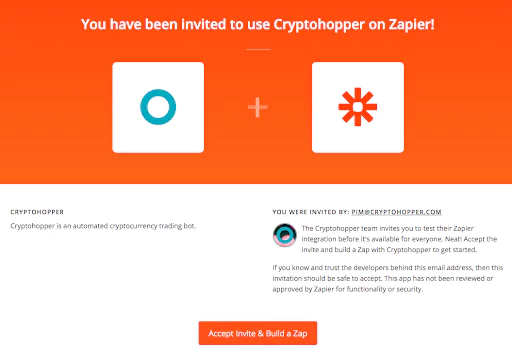
After clicking on Go to Zapier, another tab will pop up offering you the possibility to log in with your Google or Facebook account. Once you are logged in, you will see the invitation to use Cryptohopper on Zapier. Click on “Accept and build a Zap” to begin building your first zap.
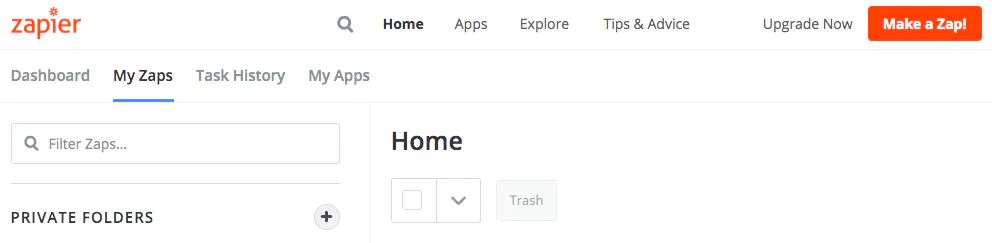
After you have accepted the invite, you can create a Zap by clicking on the button “Make a Zap!” in the upper right corner.
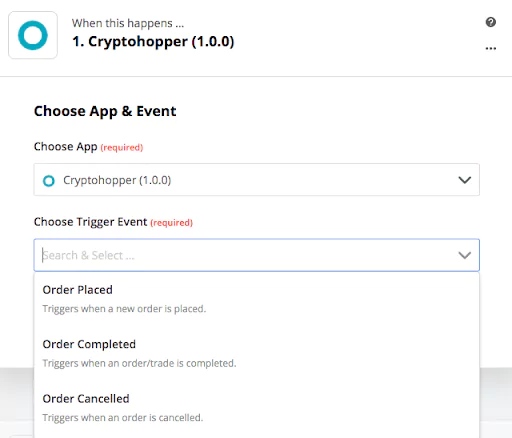
Zapier will show you all the applications currently available. In the section “1. When this happens…” type Cryptohopper, and select it to connect it with other applications.
To finish this step, select the action you would like to be the trigger to connect your trading bot with the next application, select your account and click on Continue.
Next and most interesting, step. “2. Do this …” lets you select the application that will execute the action after the trigger is activated. Some of the many options are Gmail, Slack, Twitter and Facebook.
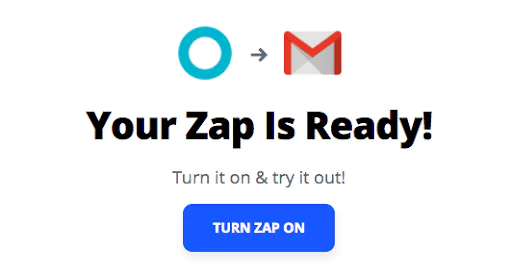
Select one, follow the steps, test it or skip the test and your Zap will be ready!. Click on “Turn Zap on” and volià! Zapier will automatically execute your desired action whenever your conditions are met.
Experience Zapier to make the most out of your trading bot!
Check out our last blog: Trade From TradingView To Your Trading Bot.


_webp.webp&w=1920&q=75)
_webp.webp&w=1920&q=75)