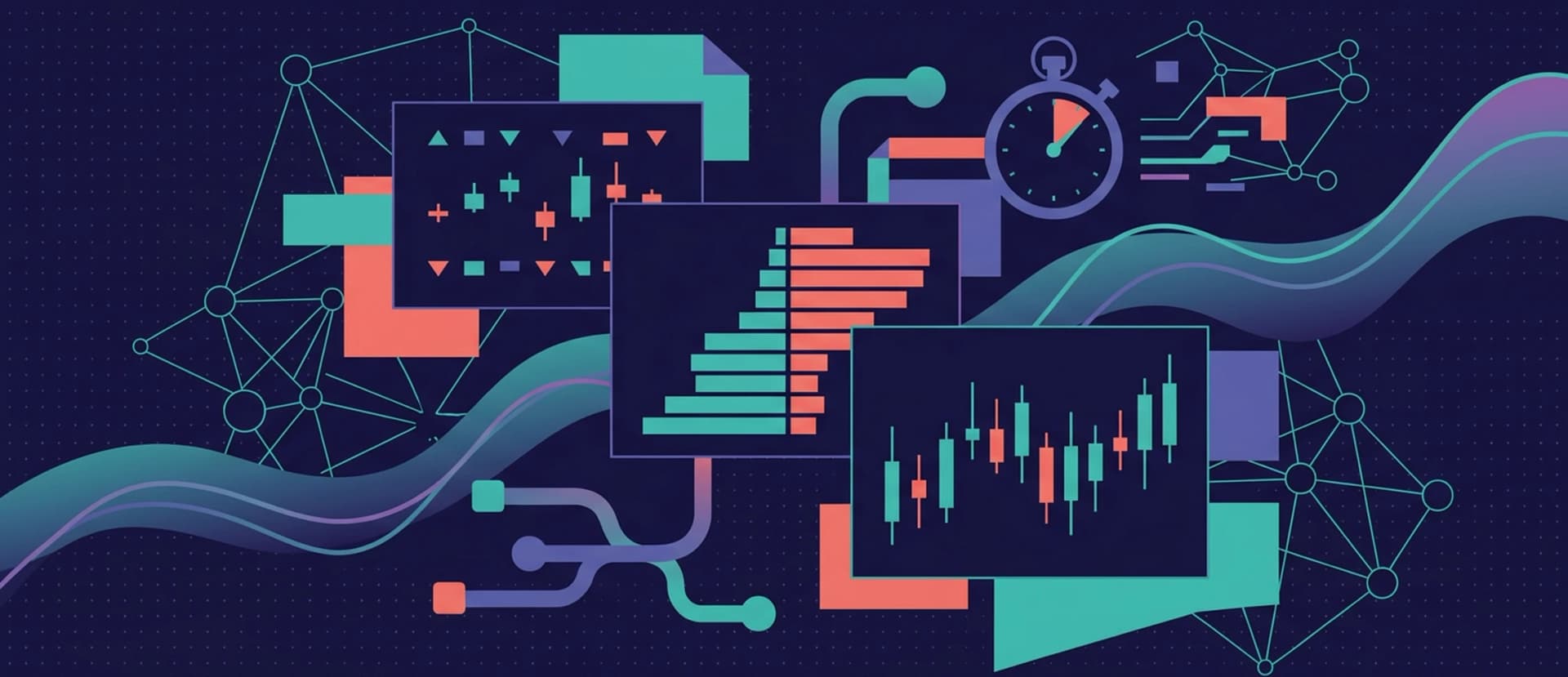
If you spend any time around trading APIs — or any crypto MCP, including ours — you'll keep running into the same three words: orderbook, ticker, candle. They are the three fundamental shapes of market data. Every chart you've ever seen, every indicator, every alert, every backtest — all of it is built on one or more of these.
This article is an opinionated primer. By the end you'll know exactly what each data type is, when to use which, how much it costs, and why professional traders quietly rely on tickers way more than you'd expect.
The three data types in one paragraph
A ticker is a tiny summary of what's happening in a market right now. An orderbook is the full list of buyers and sellers currently queued up. A candle is a compressed record of what happened over a fixed time window. They answer three different questions — "how are we?", "who wants to trade?", "what has been happening?" — and a well-designed analysis uses all three, in proportion.
Let's look at each.
Tickers — the cheapest tool in your toolbox
A ticker is a snapshot. For a given market (say, BTC/USDT on Binance), a ticker tells you:
- Last traded price — the most recent print.
- Best bid / best ask — the top of the book.
- 24-hour volume — how much traded in the last day.
- 24-hour price change — absolute and percentage.
- 24-hour high and low — the day's range.
- Timestamp — when this snapshot was taken.
It's a single object, a few hundred bytes, updated as fast as the exchange can serve it. It's the cheapest piece of market data you can ask for.
Professionals use tickers for what we call "the scan" — you want to look at hundreds or thousands of pairs and spot the ones that deserve a closer look. Which pairs had the biggest move? Which pairs have abnormal volume today? Which pairs have a wider-than-normal spread?
You can do all of that with tickers alone, without ever touching an orderbook or a candle. That's why ticker-based workflows are so quota-friendly on the Cryptohopper MCP — a ticker sweep of the top 200 pairs is effectively free.
A practical rule of thumb: if the question you're asking could be printed on the first row of a Bloomberg terminal, a ticker has the answer. Only when you need more should you escalate.
Examples of good ticker-only workflows:
- Daily top-movers reports (how-to)
- Volume spike scanners (how-to)
- Cross-exchange price monitors (how-to)
- AI-powered watchlist digests (how-to)
Where tickers fall short. They tell you what the market looks like right now, not what it would do if you traded into it, and not what it looked like five hours ago. For those questions, you need the other two data types.
Go deeper: A practical guide to crypto ticker data.
Orderbooks — the truth about liquidity
If the ticker is the headline, the orderbook is the crowd behind it.
An orderbook lists every resting bid and ask — every buyer waiting to buy and every seller waiting to sell — stacked by price level. For each level, you see the price and the total quantity of orders sitting there.
It's the single most information-dense market data type, and also the most volatile: the book can change completely in milliseconds. But that's the point — the orderbook is the only data that tells you what would happen if you actually hit the market right now.
Three questions an orderbook answers that a ticker can't:
1. What's the spread? Last price is a number. Spread is (best_ask − best_bid). A tight spread means a busy, liquid market. A wide spread means you're paying a tax just to cross.
2. What's the market depth? If you want to buy $100k of ETH, can the book absorb that without moving the price meaningfully? Walking the book from the top ask downwards tells you exactly how deep you'd have to dig — and at what average price.
This is the question to ask before any trade larger than a few thousand dollars, and it's one of the most valuable things the Cryptohopper MCP can answer for you. See how to estimate slippage before placing a trade.
3. Where are the liquidity walls? Sometimes you'll see unusual clusters — one price level with ten times the volume of its neighbours. Those are "walls", and they often act as temporary support or resistance. Traders watch for walls forming, breaking, or (in the spoofing case) suddenly vanishing. See how to detect liquidity walls.
Where orderbooks fall short. They're only useful for right-now decisions. They don't tell you anything about history, and by the time you've written them to disk they're already stale. Also, they're heavier than tickers: a full 500-level book is kilobytes per exchange per pair. Don't fetch them in a loop across hundreds of pairs if you can avoid it.
Go deeper: A practical guide to crypto orderbook data.
Candles — the memory of the market
A candle — or OHLCV bar — summarises what happened inside a time window. For each window, you get:
- Open — the first trade price
- High — the highest trade
- Low — the lowest trade
- Close — the last trade
- Volume — total traded inside the window
You pick the window size: 1 minute, 5 minutes, 1 hour, 4 hours, 1 day. Shorter windows give you more resolution; longer windows give you cleaner trend signal. A series of candles is a chart, and a chart is how every human trader since the 1700s has reasoned about price.
Candles are the canonical input to technical analysis. Everything you've ever heard of — moving averages, RSI, MACD, Bollinger Bands, ATR, pivot points — is a function on a series of candles. So is every backtest.
Four things candles are great for:
1. Trend and regime identification. Is the asset trending up, down, or chopping sideways? Is volatility high or low? A sequence of 4h candles makes this plainly visible, and an indicator like ATR or standard deviation gives you a number.
2. Indicators and signals. RSI on 1h candles, MACD on 4h candles, EMAs on daily candles — indicators are how quantitative signals are born, and they all start with OHLCV data.
3. Support, resistance, and range-finding. Recent highs and lows — the tops and bottoms of candles — are the classic basis for horizontal S/R. Grid bots live and die by these numbers.
4. Backtests and research. Candles are the only data type that gives you history. Everything else is now-only. If you want to ask "how would this strategy have performed last quarter?", candles are what you feed it.
Two things to watch out for with candles:
- Lookback costs quota on the MCP. The further back you ask, the more your request costs against your weekly limit — the cost factor scales with depth. See rate limits and cost factors explained. Don't pull 1,000 candles when 100 will do.
- Timeframes have tradeoffs. 1-minute candles are noisy; daily candles are smooth but slow. Most active workflows live on 15m, 1h, and 4h.
Go deeper: A practical guide to candles (OHLCV).
When to use which — a cheat sheet
Here's the one-page version to keep open while you're building.
Your question
Data type
Why
"What's the price right now?"
Ticker
That's literally what it's for.
"Which pairs moved most today?"
Ticker
Scan hundreds of pairs, cheap.
"Is volume abnormal today?"
Ticker
24h volume vs. a baseline — all in the ticker.
"Which exchange has the best price?"
Ticker
Compare last + bid/ask across venues.
"If I buy $50k, what slippage should I expect?"
Orderbook
You need the full depth, not just the top.
"Are there walls at key levels?"
Orderbook
Only visible in the full book.
"Which exchange has the best liquidity for this pair?"
Orderbook
Depth, not price, is what matters.
"Is this coin trending or ranging?"
Candles
Need time series.
"What's the RSI / MACD / Bollinger reading?"
Candles
All indicators are functions of candles.
"Where are the recent highs and lows?"
Candles
Use them as S/R.
"Backtest this strategy."
Candles
Only candles carry history.
A good mental model for building workflows
The cheapest, most scalable AI agents run a three-step pipeline:
- Scan broadly with tickers. Cover the whole market — hundreds of pairs — for a few cents' worth of quota.
- Escalate to candles on interesting pairs. The ticker scan narrowed it down to five names. Now pull candles on those and run TA.
- Escalate to orderbooks only when you're about to act. Once you've decided which pair you care about, pull the book to size your entry properly.
If you follow that pattern, your agent stays quick, cheap, and sensible. If you reverse it — pulling orderbooks across 200 pairs every minute — you'll burn through your weekly quota in a day and learn nothing useful along the way.
A related pattern, especially relevant for AI agents: give the model a thin ticker-only "market context block" at every tick, and let it decide whether to call for heavier data itself. That keeps context windows small and reasoning fast. See how to feed an agent market context without burning tokens.
Coming back to the MCP
Every data type we've described maps to a tool on the Cryptohopper Market Data MCP:
get_ticker(and variants like bulk-ticker fetch) for tickers.get_orderbookfor orderbooks.get_candlesfor OHLCV series.- Utility tools for listing exchanges, pairs, and checking your usage.
The schemas are documented in the MCP tool reference. When you're building, you can also just ask your agent — "what MCP tools do you have for crypto market data?" — and it will read the schema back to you.
The one rule to take away
If there's a single piece of advice worth tattooing into your workflow: don't fetch heavy data before you need it.
Scan with tickers, confirm with candles, act on orderbooks. Most bad MCP workflows come from reversing that order and wondering where the week's quota went.
Master this and the rest of the tooling takes care of itself.
New to the MCP itself? Start with What is MCP and why it matters for crypto traders or jump into the complete setup guide.

_webp.webp&w=1920&q=75)
_webp.webp&w=1920&q=75)