TL;DR
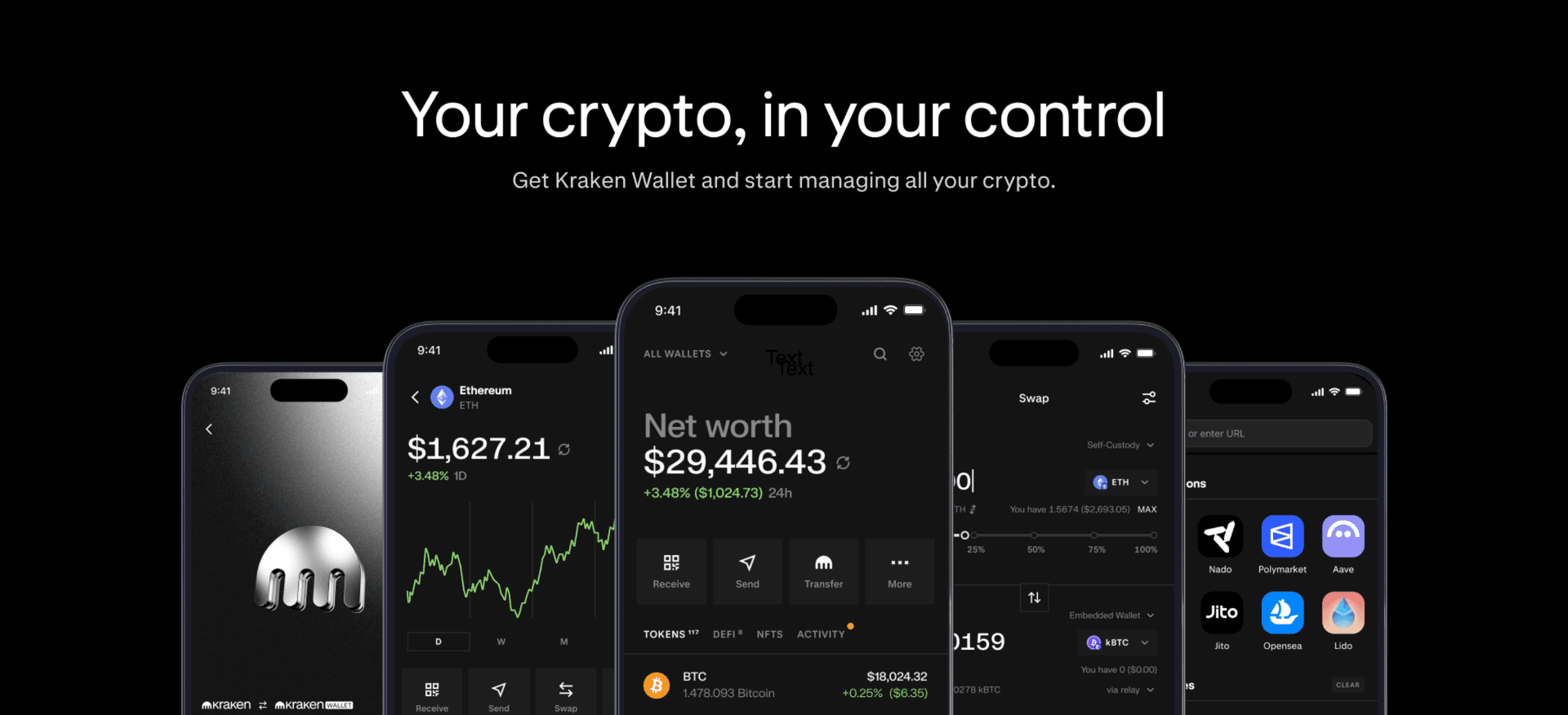
Kraken Wallet has received its biggest-ever upgrade, bringing native access to DeFi Earn vaults directly into your self-custody wallet.
Choose your custody model: local seed-phrase wallet, embedded wallet (email, Apple, or Google sign-in), or both. All options are fully self-custodial.
Every transaction goes through simulation, malicious-interaction blocking, and dApp origin verification before you sign.
Multi-chain portfolio view, best-route swaps across seven integrated providers, and direct Kraken Exchange integration, all in one app.
Self-custody puts you in control. Now Kraken Wallet makes it easier to put your assets to work, with curated DeFi vaults and protocols available directly in your wallet. From vaults featured on Kraken Exchange to more ways to put your assets to work across DeFi, Kraken Wallet brings the swap and deposit together in one flow.
Earn from your wallet
Eligible DeFi Earn vaults are now natively integrated into Kraken Wallet. The vaults available on Kraken Exchange are accessible directly in your wallet, alongside a broader selection from across DeFi.
For long-term holders carrying significant stablecoin positions in self-custody, having yield options available right alongside your holdings changes the equation entirely.
Custody, your way
How you manage your keys should be your choice. Kraken Wallet now supports:
- Local seed-phrase wallets: full self-managed custody, no intermediaries.
- Embedded wallets: sign in with email, Apple, or Google for a streamlined setup, and still 100% self-custodial.
- Both, side by side: create and import multiple wallets of different types simultaneously.
Security you can see
Security has been our core value for 15 years. That commitment carries through into every layer of Kraken Wallet:
- Transaction simulation: see exactly what a transaction will do before you commit to it, because we believe you should always know what you’re authorizing.
- Malicious-interaction blocking: flagged contracts and known-bad actors are stopped before they can reach your funds.
- dApp origin verification: every connection is authenticated before any interaction with your wallet.
- Encrypted cloud backup (iOS and Google Drive): your wallet is backed up securely, so you’re protected if you switch devices.
No separate tool required. No second-guessing approvals after the fact.
Smarter swaps and a complete portfolio view
Best-route swaps are now built in. Kraken Wallet fetches the best quote across seven integrated providers (Relay, Jupiter, CowSwap, Bungee, LiFi, Uniswap, and 0x). EVM chains, Solana, and cross-chain routes are all supported natively for swaps and bridging.
Watch-only wallets (on web now, with mobile support coming shortly) let you connect any external wallet and bring your full holdings into a single view: self-custody, connected wallets, and per-asset P&L, all in one place. A built-in dApp browser and WalletConnect support give you access to the broader ecosystem without leaving the app.
Connected to Kraken
Kraken Wallet connects directly to your exchange account, so you can fund your wallet and move assets seamlessly between self-custody and the exchange.
Already using Kraken Wallet?
The upgrade is seamless. Your existing wallets carry over with no re-import required. Nothing is lost, nothing needs to be recreated. Everything you had before is still there, just significantly better.
Get started
Kraken Wallet is available on iOS, Android and the web.
Rewards are variable and not guaranteed; you can lose some or all of your assets. Interacting with on-chain smart contracts involves risks which are further detailed in the terms of service, including technological risk (bugs, exploits, and oracle/MEV/bridge failures), market risk (price volatility, de-pegs, and liquidation where relevant), and operational risk (irreversible transactions, gas fees, network congestion). Kraken does not control third-party protocols. Offered by Payward Wallet, LLC. Fees apply. Availability varies by jurisdiction.
The post appeared first on Kraken Blog.